THE OPEN LASER FILES LIBRARY
Browse Free Laser Cut Files
Choose a project collection, then inspect its formats, dimensions, cut paths and rights before using material.
Browse by project type
The source inventory is organized into 16 broad folders. The 16 categories below match the library folders. Open a category to browse its published posts. Counts refer to website posts, not archive contents or verified unique designs.
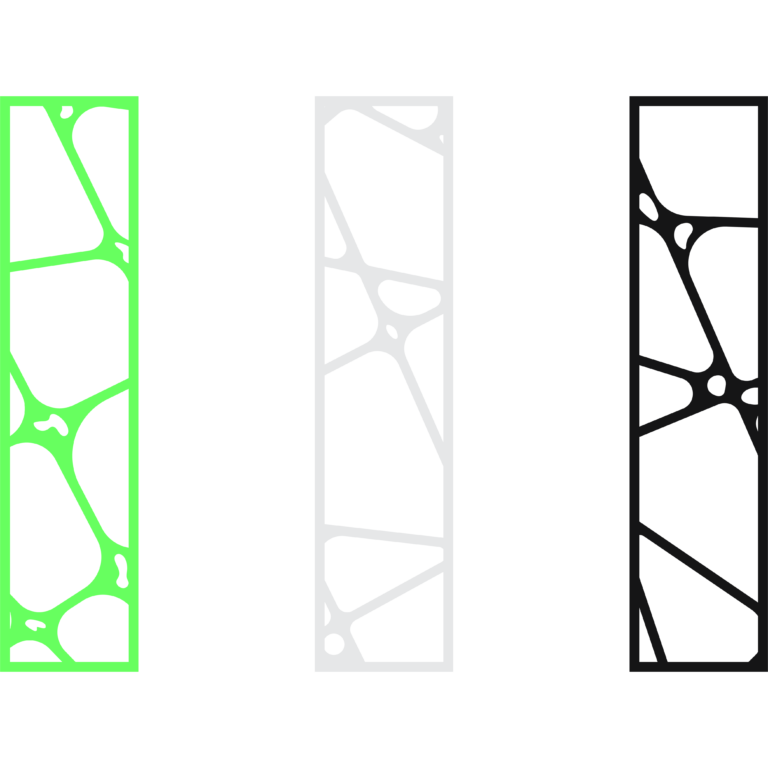
Typography, Signs & Patterns
Explore free lettering, sign, quote and decorative pattern laser cut files with real previews, included formats, folder paths and cutting notes.
Browse posts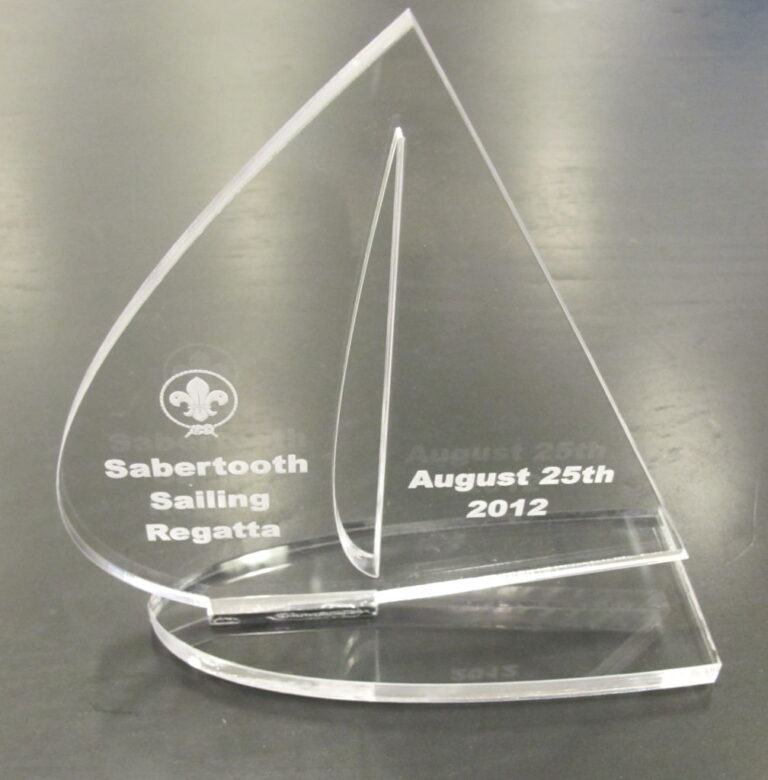
Awards, Medals & Plaques
Explore free award, medal and plaque laser cut files with real previews, included formats, exact folder paths and practical checks before production.
Browse posts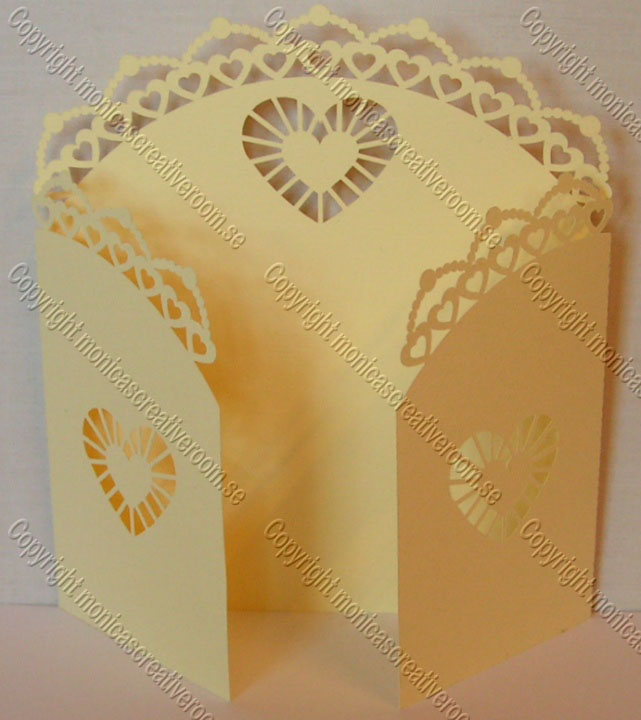
Cards, Invitations & Weddings
Browse free cards, invitations and wedding laser cut files, including folded designs and stationery with previews, inventories and setup notes.
Browse posts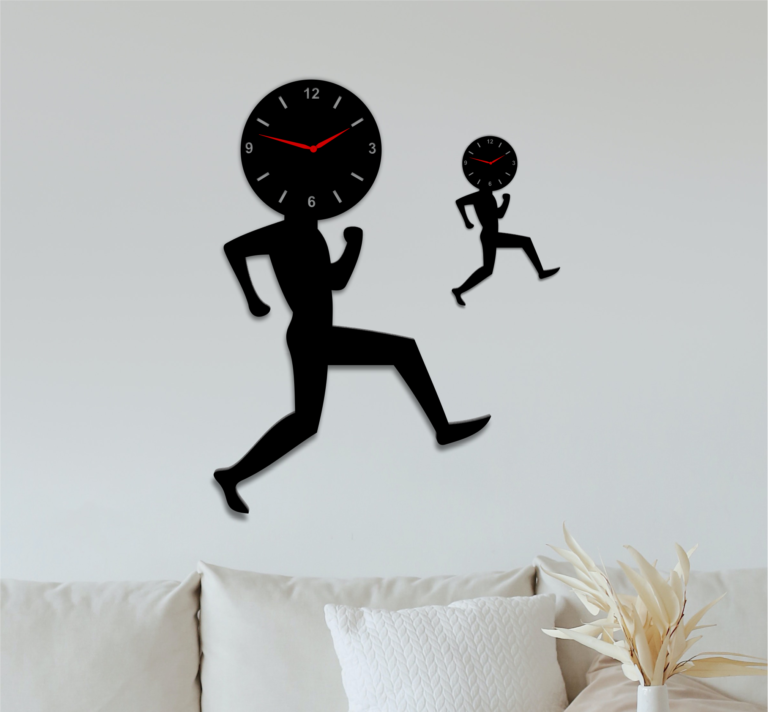
Home Decor & Panels
Explore free wall art, mandala, clock and decorative panel laser cut files with real previews, file inventories and preparation guidance.
Browse posts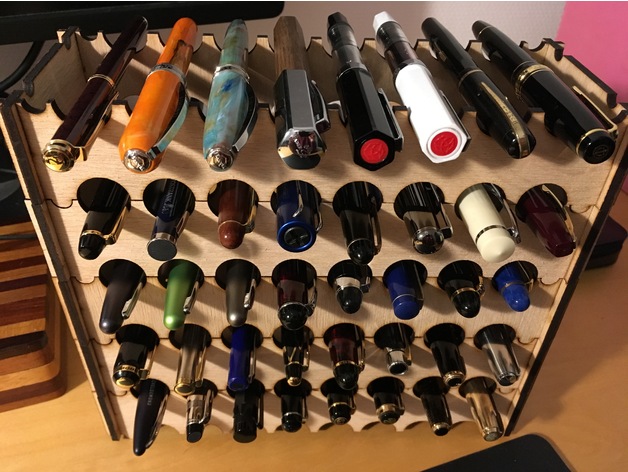
Boxes, Storage & Furniture
Browse box, storage and furniture laser cut files for gift boxes, organizers, drawers and shelves, with previews and verified folder inventories.
Browse posts
Animals, Plants & People
Browse free laser cut files for animal silhouettes, botanical patterns and people-themed artwork, with previews, file inventories and preparation notes.
Browse posts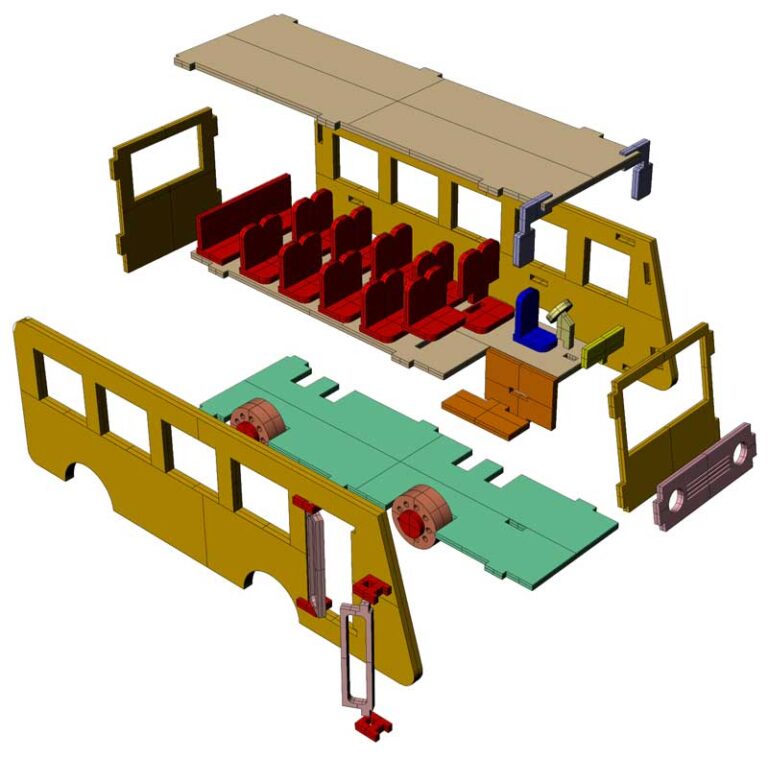
Vehicles, Aircraft, Boats & Machinery
Browse free vehicle, aircraft, boat and machinery laser cut files with real previews, verified inventories, folder paths and model-building checks.
Browse posts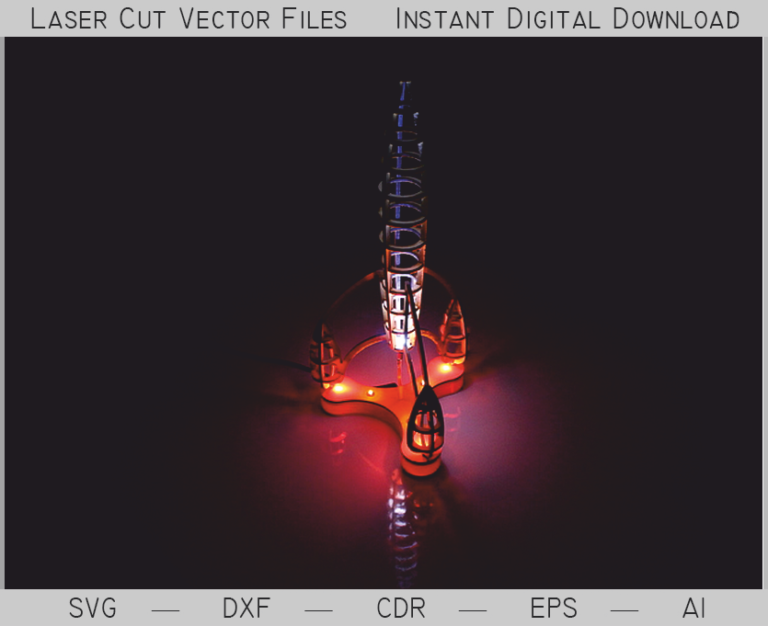
Lighting, Lightboxes & Night Lights
Explore free lamp, lampshade, lightbox and night-light laser cut files with real previews, file inventories and assembly preparation notes.
Browse posts
Holidays & Religion
Browse seasonal ornament, holiday and religious laser cut files with real previews, included formats, exact folders and practical cutting notes.
Browse posts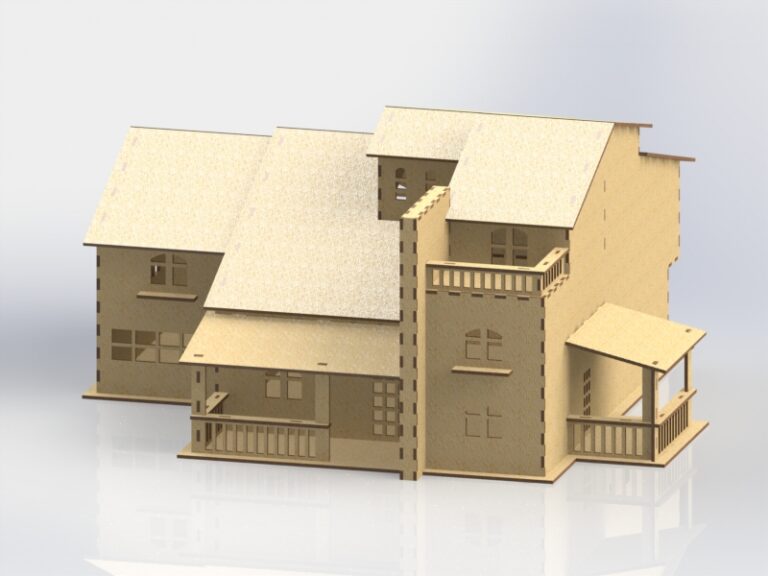
Puzzles, Toys & Games
Browse free 3D puzzles, educational toys and game laser cut files with real previews, verified folder inventories and assembly preparation guidance.
Browse posts
Jewelry, Earrings & Keychains
Browse free earring, pendant, jewelry and keychain laser cut files with real previews, included formats, exact folders and fine-detail checks.
Browse posts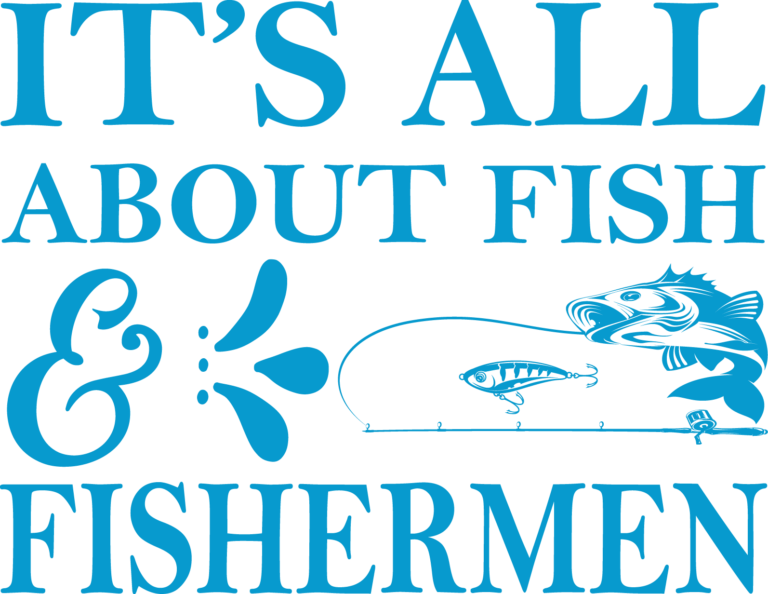
Outdoor, Sports & Hobbies
Browse free outdoor, sports and hobby laser cut files with real previews, included formats, exact folder locations and project-specific checks.
Browse posts
Professions, Industries & Communities
Explore occupation, industry and community-themed laser cut files with real previews, file inventories, folder paths and preparation notes.
Browse posts
Cake Toppers & Party Decor
Explore free cake topper and party decor laser cut files for celebrations, with real previews, included formats and preparation guidance.
Browse posts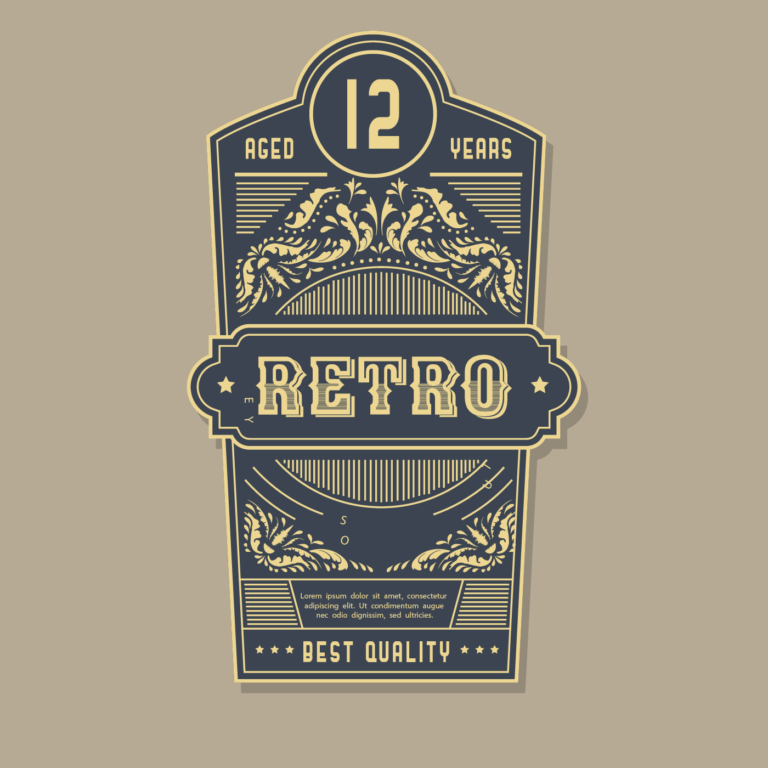
Food, Drinks & Kitchen
Explore free kitchen, coaster, serving and food-themed laser cut files with real previews, verified formats, folder paths and usage checks.
Browse posts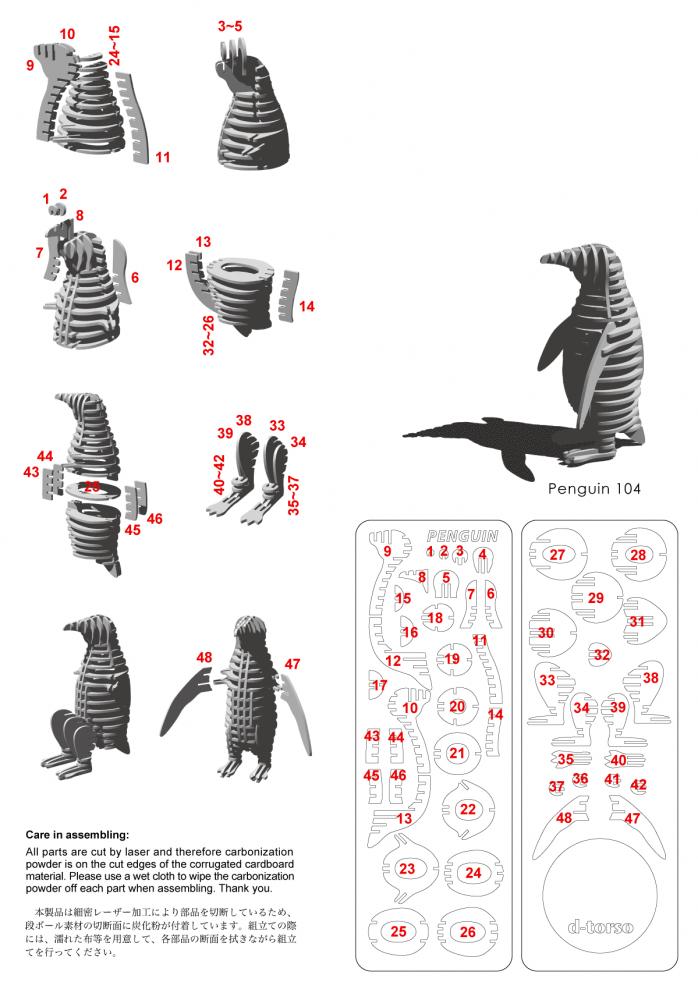
Documentation & Media
Find project instructions, reference documents and supporting media for laser cutting, with clear descriptions and exact shared-library locations.
Browse postsWhat “free laser cut files” means here
Open Laser Files points to a shared PikPak folder that can be browsed without paying this website. PikPak controls its own account, storage and download requirements. The archive is provided as-is for maker discovery and personal evaluation; availability can change at the external service.
The September 2, 2026 inventory snapshot contained 20,910 ZIP archive containers totaling about 104 GB. Those numbers describe containers and storage volume, not 20,910 unique designs. Duplicate folders, alternate exports, unclear names and incomplete archives may be present.
Common file formats
Individual folders may include SVG, DXF, AI, EPS, CDR, PDF or PNG. Availability varies by archive, and a file extension alone does not establish machine compatibility. Open the vector in software that supports the format, compare the artwork to any preview, and check whether cut, score and engrave operations are separated.
Use a test-first workflow
- Choose the collection closest to the intended project.
- Open one archive and confirm its real contents.
- Check dimensions, duplicate paths, open contours and layer order.
- Measure the actual material and adjust slots or kerf only when needed.
- Run a small test on scrap before committing a full sheet.
A file name or preview image is not proof that a design is production-ready. Machine power, speed, ventilation and material suitability remain the maker’s responsibility.
Verify rights before use
Downloadable does not mean public domain or commercially licensed. Review any license supplied with the exact file, avoid protected brands and characters, and do not redistribute a digital file without permission. Read Rights & Licensing and How Downloads Work before using the archive.
Open the free library on PikPak ↗
The shared files are free to access. If you purchase PikPak Premium, Open Laser Files may receive a referral reward at no extra cost to you.